
Webhook
Resources
Endpoints
RESOURCES
The most common integrations across thousands of sales teams on our platform.












WEBHOOKS
Register a URL, and iClosed pushes events to you the moment they happen. No polling required.
call.booked
call.cancelled
call.rescheduled
call.outcome_added
contact.created
contact.updated
AUTHENTICATION
Generate a Bearer token in your dashboard and start making requests in under a minute.
Method
Bearer Token
Header
Authorization: Bearer iclosed_...
Token prefix
iclosed_
Production URL
https://public.api.iclosed.io
Generate keys
Settings → Developers → API Keys
Format
REST + JSON

Go to app.iclosed.io → Settings → Developers → API Keys. Your key starts with iclosed_

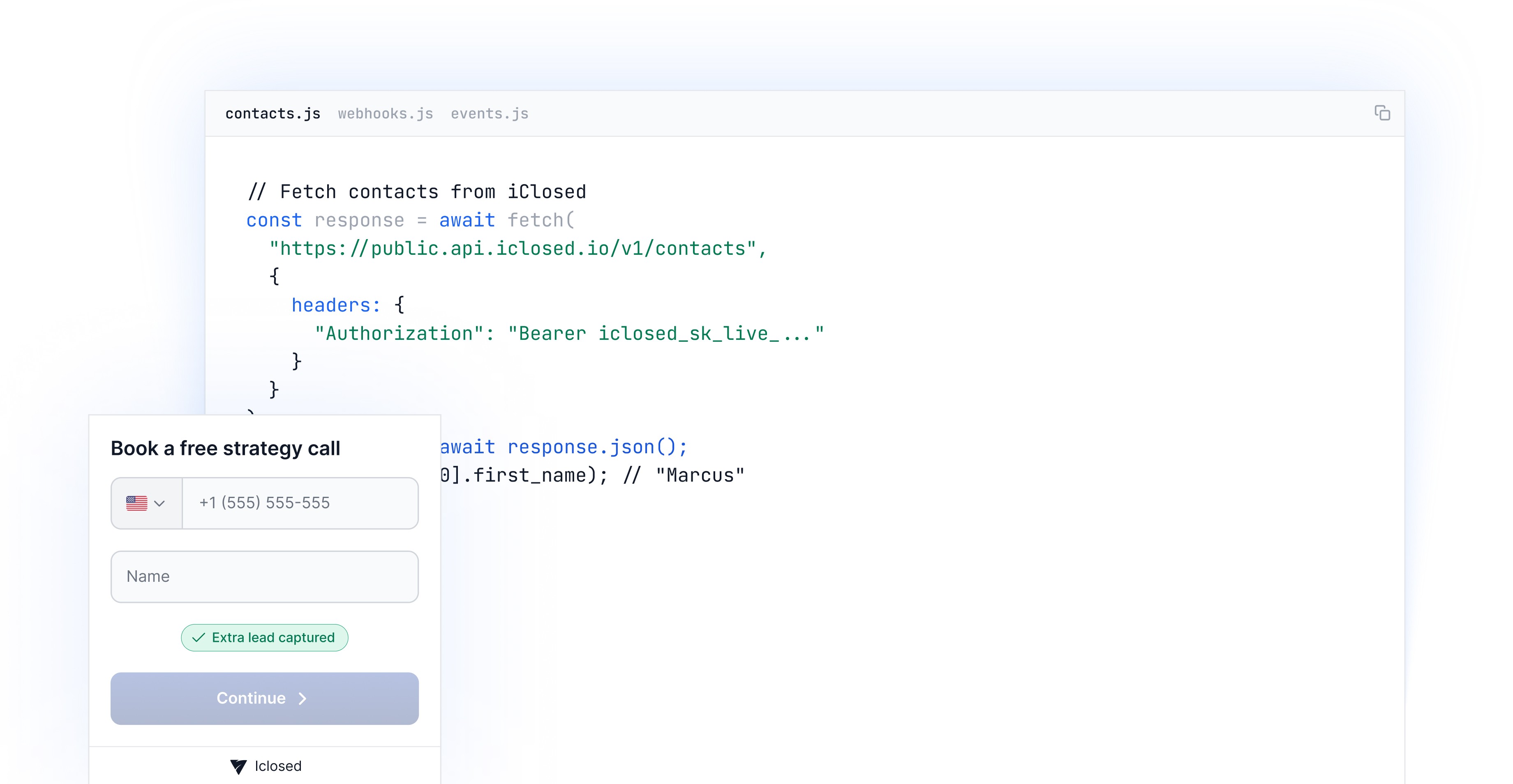
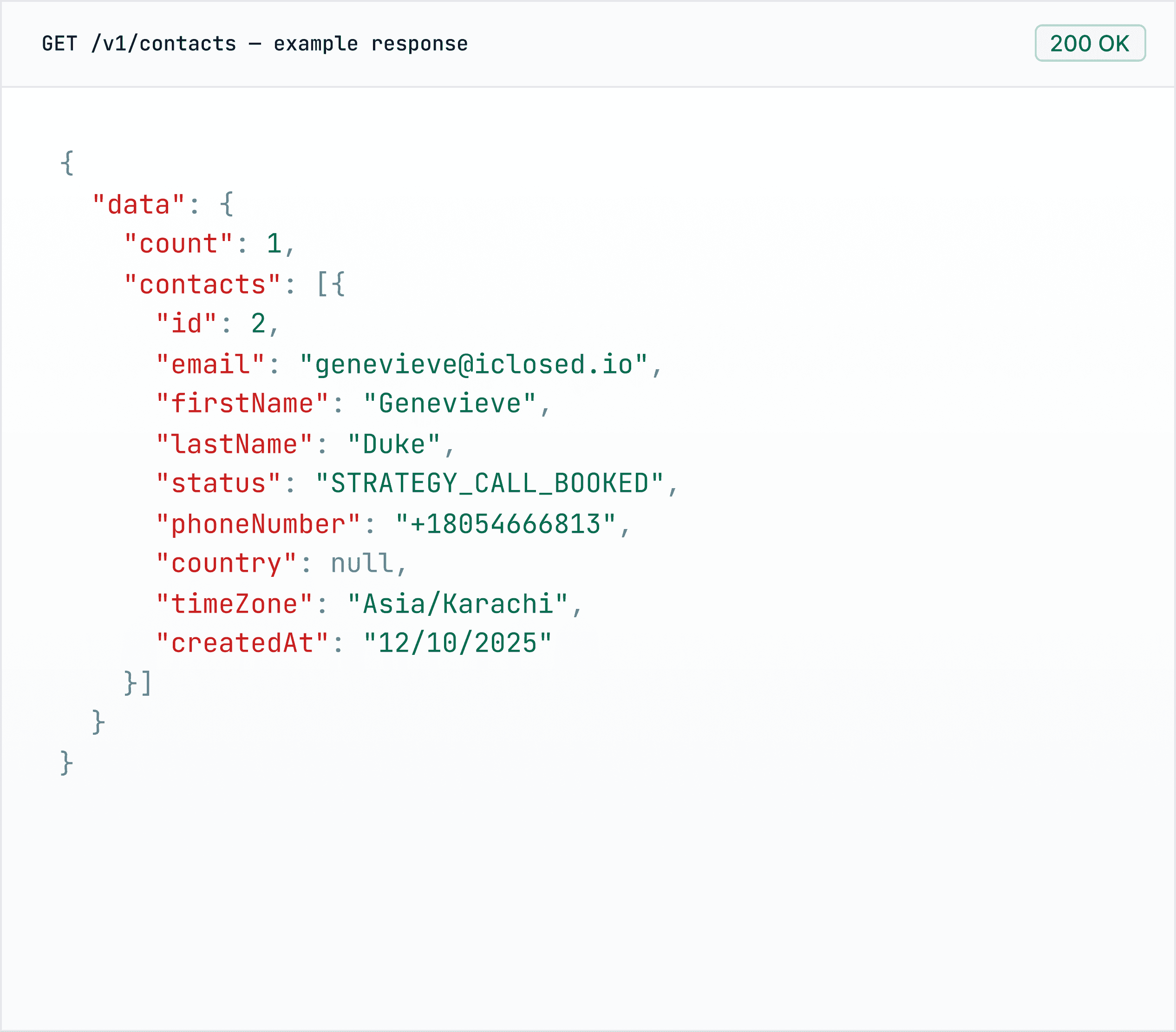
Send a GET /v1/contacts to confirm your key works. The interactive docs let you test in-browser.

POST /v1/webhooks with your endpoint URL and the events you want. You will start receiving payloads in real-time.


USE CASES
The most common integrations across thousands of sales teams on our platform.


How do I get started with the iClosed API?
Getting started takes 3 steps: Generate an API key in your iClosed dashboard → Settings → Developers → API Keys → Create new key Test your connection with a simple GET request: curl -H "Authorization: Bearer YOUR_API_KEY" \ https://api.iclosed.io/v1/contacts Explore the full reference at developer.iclosed.io All endpoints use the base URL https://api.iclosed.io and require Bearer token authentication.
What webhook events are available?
iClosed webhooks let you receive real-time notifications when key events happen in your account. Supported events include: Contact events — contact.created, contact.updated, contact.status_changed Call events — call.booked, call.rescheduled, call.cancelled, call.completed Outcome events — outcome.recorded (WON, NO_SALE, APPROVED, REJECTED) Deal events — deal.created, deal.updated Transaction events — transaction.created, transaction.updated Configure webhooks in your dashboard → Settings → Developers → Webhooks, or manage them via the API. Payloads are signed for verification.
Where is the full API documentation?
he complete API reference lives at developer.iclosed.io. You'll find: Endpoint reference with request/response examples Authentication guide Webhook setup Data models and field definitions Rate limiting details Changelog The OpenAPI spec is also publicly available if you prefer to generate clients or use tools like Postman.
What can I build with the API?
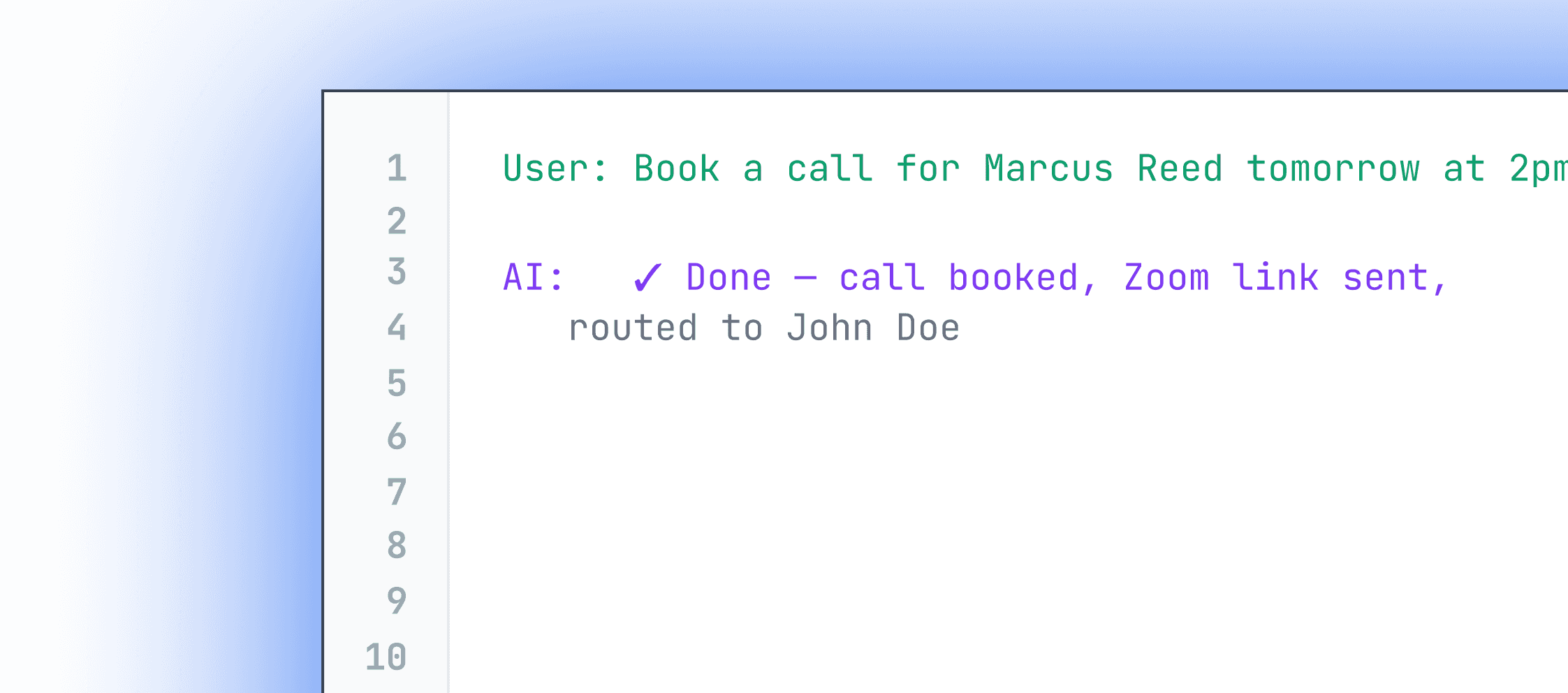
The iClosed API is built for sales teams and developers who want deep control over their booking and CRM data. Common use cases include: CRM synchronization : Two-way sync contacts, deals, and outcomes with your system of record Custom booking experiences : Build bespoke scheduling flows that still power iClosed's routing, disqualification, and outcome tracking Automated workflows : Trigger actions when a call is booked, an outcome is recorded, or a deal closes AI agents and setters : Book calls programmatically from AI-driven conversations Zapier alternatives : Build custom integrations with any tool in your stack If you can do it in the iClosed dashboard, you can probably automate it via the API.
How does authentication work?
iClosed uses Bearer token authentication. Every API request must include an Authorization header: Authorization: Bearer YOUR_API_KEY Generate your key in the iClosed dashboard → Settings → API Keys. Treat your key like a password, never commit it to version control or expose it in client-side code. Keys are scoped to your account and can be revoked at any time from the dashboard.
Can I book calls programmatically?
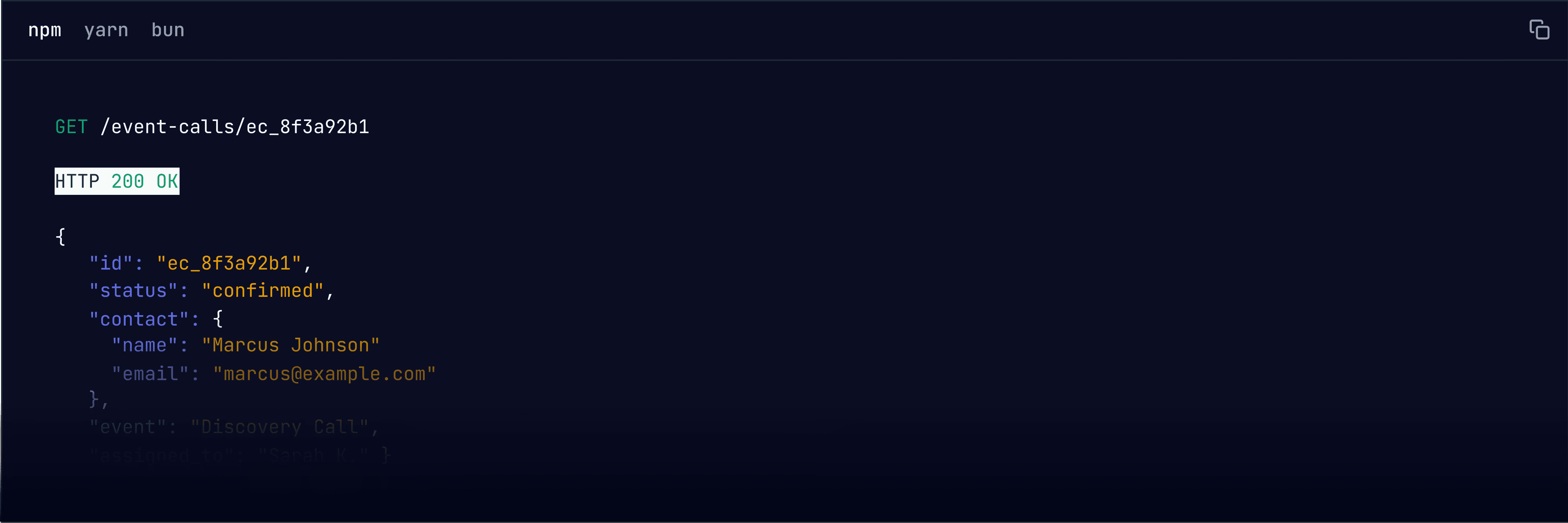
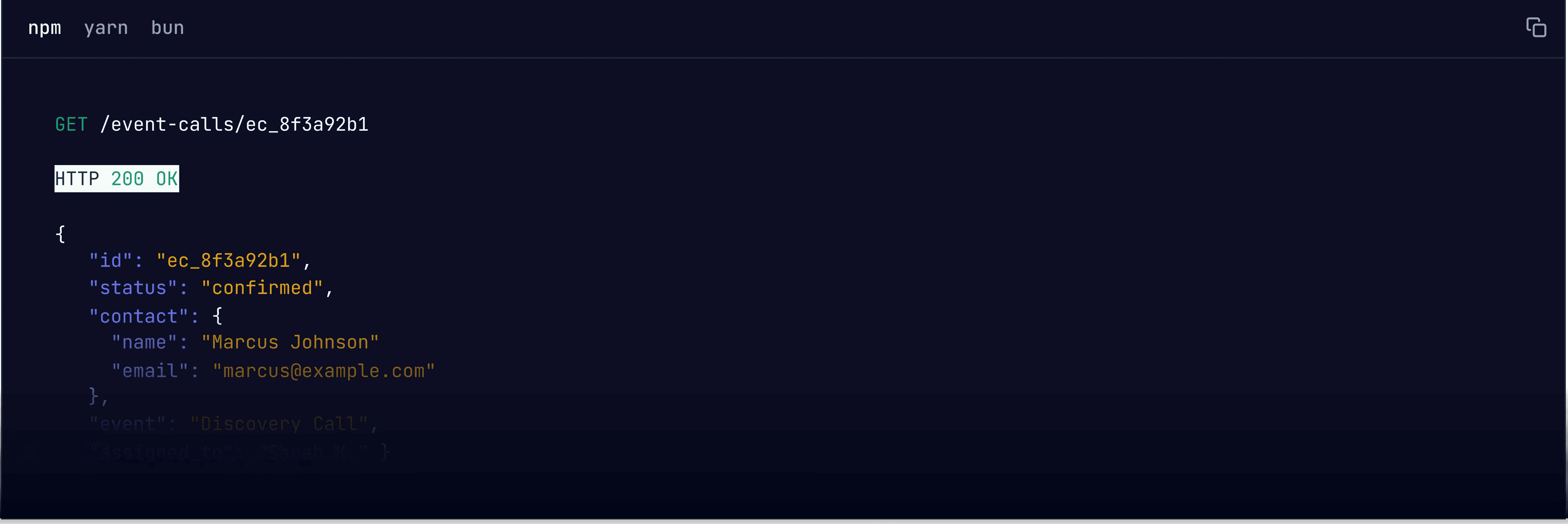
Yes. Use POST /v1/eventCalls to create a booking directly. You can pass either eventId + contactId, or linkPrefix + email/phoneNumber for new contacts. The API handles calendar availability checks, invitee questions, and triggers the same routing/disqualification logic as the public booking page. Use POST /v1/events/eventDates first to fetch available slots for an event.
Are there rate limits?
Yes. Rate limits depend on your plan and apply per endpoint. On the Business plan, you can make up to 100 requests every 10 seconds per endpoint. On the Startup plan, the limit is 20 requests every 10 seconds per endpoint. If you hit the limit, you'll receive a 429 Too Many Requests response with a Retry-After header telling you when to retry. For high-volume use cases on Business, contact us about elevated limits.

Start building on iClosed
Interactive docs, Try-It panels, and a sandbox environment ready for you today.